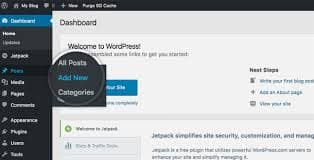
Just starting out with WordPress? Well you've come to the right place. We've created a video and a simple guide to show you how to login to your WordPress website.
Steps to Login to Your WordPress Website:
The first step is to open up a new browser tab/window. Then you will need to put in your website URL - this will change dependent on what your domain name (website URL) is.
The second step is to put the suffix of either:
- wp-admin
- wp-login.php
At the end of the URL. Now let's put that altogether:
https://example.com/wp-admin
https://example.com/wp-login.php
If you need any other WordPress customisation or web design services, please feel free to get in contact with our team today and see how we can help!

James Dearmer, Rushax
Managing Director, Rushax